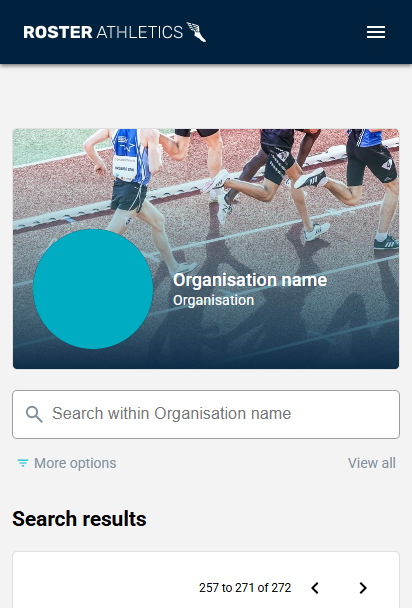
As an organiser, you can reach out to support@rosterathletics.com to set up a dedicated page that displays only your competitions. This is a supplementary paid feature.
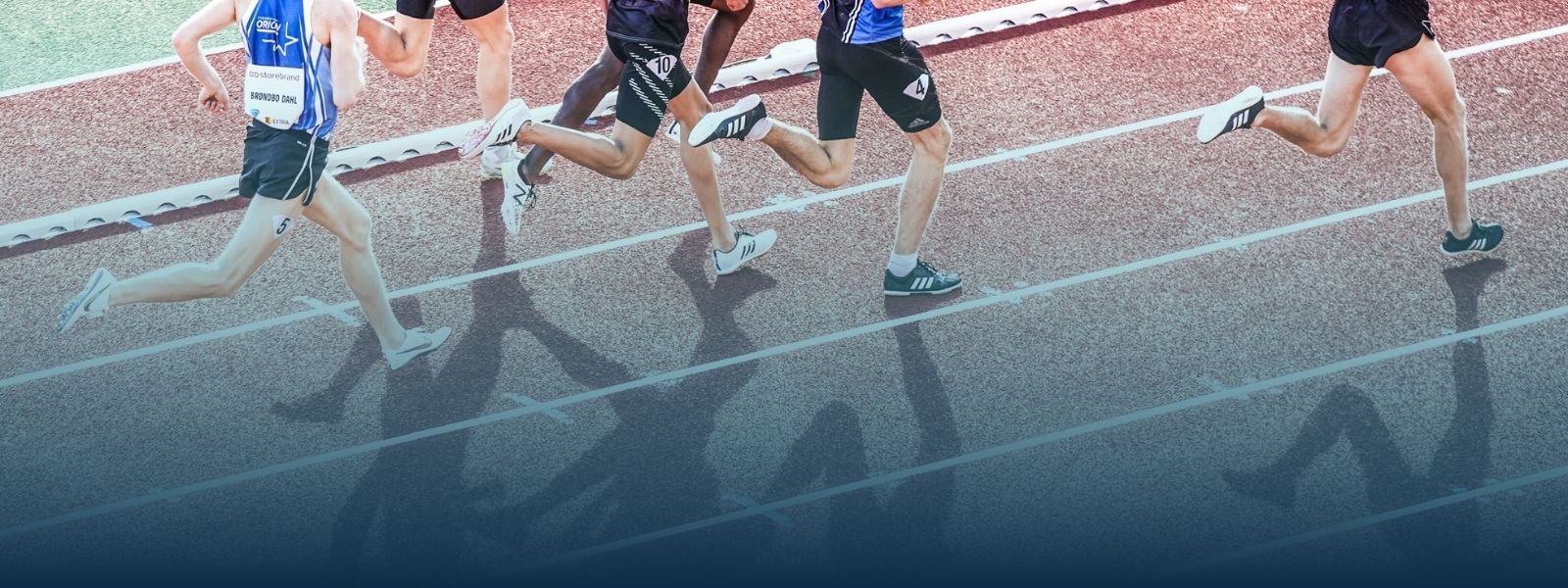
You will need to provide a high-quality logo for your organisation and a high-quality banner image (see the example and recommended resolutions below).
Here is an example of a suitable design:

Banner size
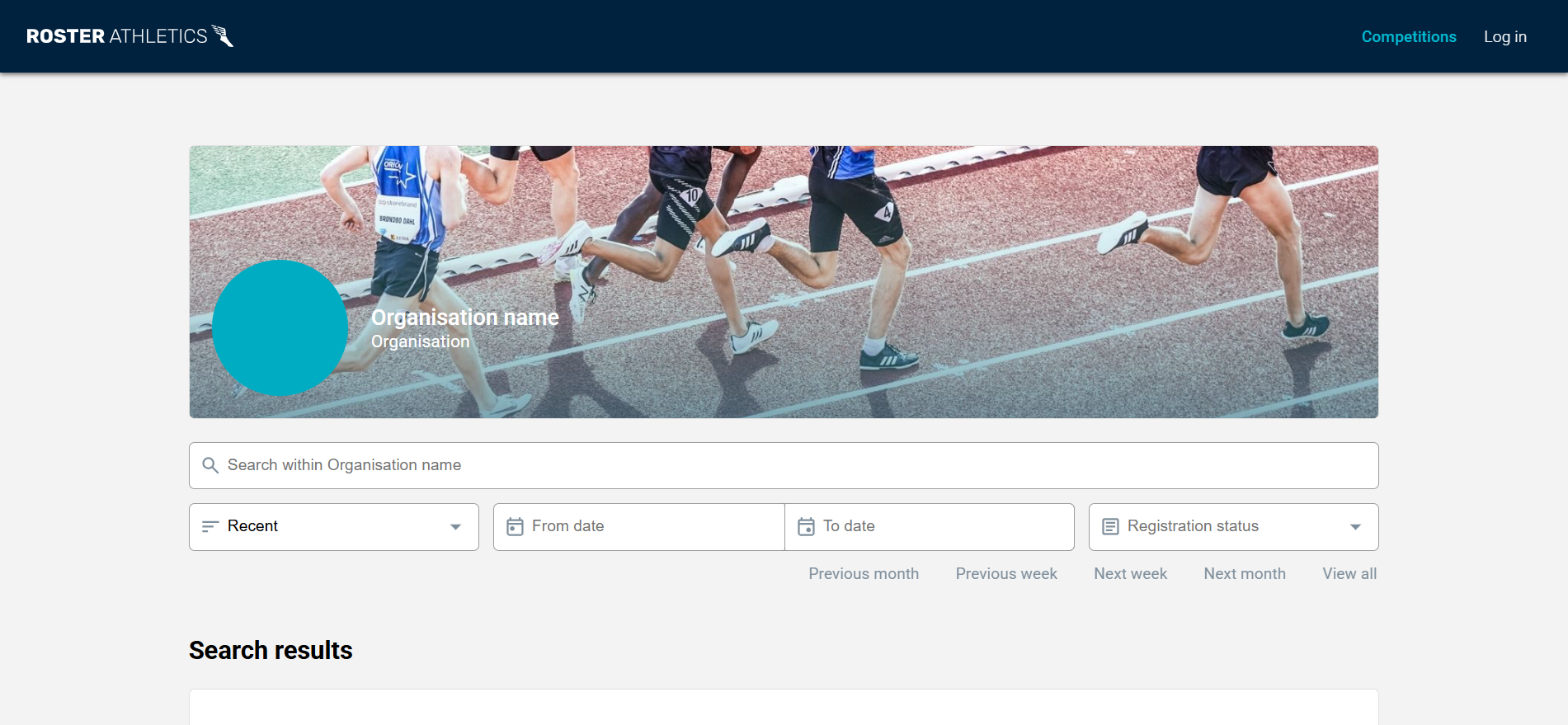
The recommended banner size for the organisation is 1600 x 600 pixels, but please note that it displays differently on desktop and mobile devices. On a desktop, depending on the resolution, it may appear as 1048 x 240 pixels, while on a smartphone, it may appear as 386 x 240 pixels. To avoid important content being cropped or obscured by the logo and organisation name across different devices, ensure any critical part of your image is within the "safe zone" (the top-left 360 x 240 pixels area). This is the part visible on both desktop and mobile devices, as shown in the example below. Please note that the logo is added automatically by Roster, so the base banner image provided should not include the logo.
Recommended banner size: 1600 x 600 pixels
Minimum width: 1024 pixels
Minimum height: 240 pixels
File format: JPG
Example of the file:
Desktop version:
Mobile version: